
 English
 Arabic
 Chinese (Simplified)
 Dutch
Dutch Filipino
 French
 German
 Hindi
Hindi Italian
 Japanese
 Korean
 Portuguese
 Punjabi
 Russian
 Slovak
 Somali
 Spanish
 Urdu
UrduClick on this link to go to School Cash Online: School Cash Online
PARENTS NEEDING TO CREATE A SCHOOL CASH ONLINE ACCOUNT:
You will need:
- Have done your consents as per instructions below
- E-mail you used for consents
- Your child’s PEN # (can be found on your student’s report card or in the MyEd Parent Portal)
- Your child’s legal last name as it is in our system
Use this link to access school cash online: https://sd62.schoolcashonline.com/
#1 Please ensure you have completed your consent for School Cash Online. Consent for use can take up to 48 hours; once this step is complete you can register in the school cash system. More information on Consents can be found HERE
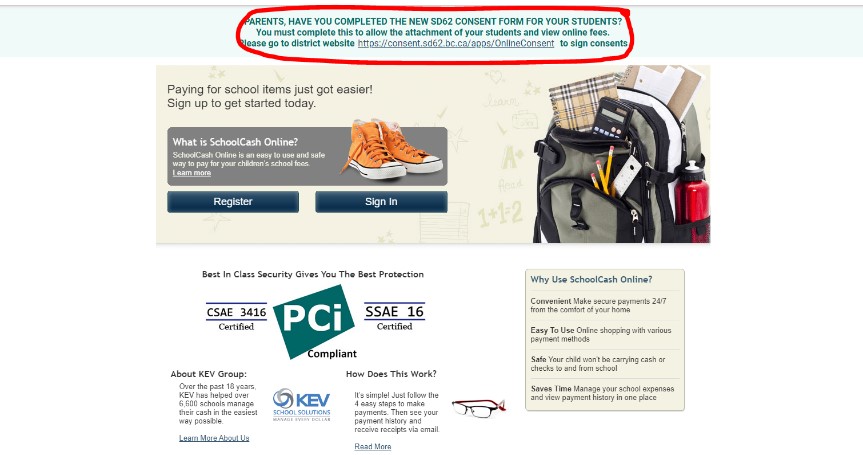
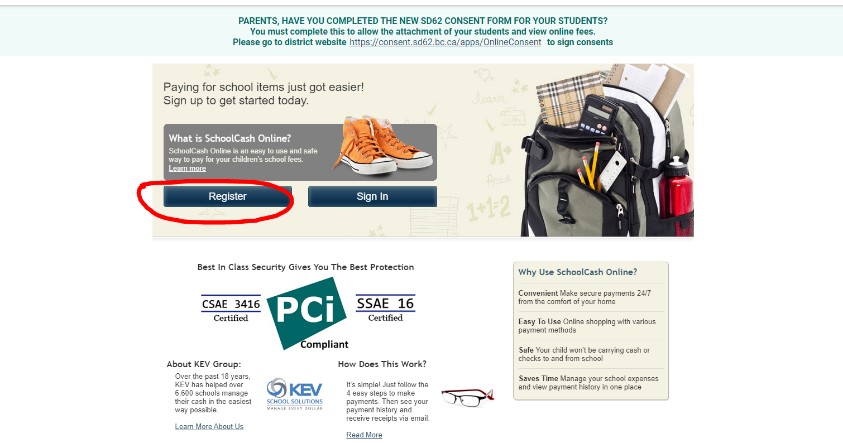
#2 Register for your account. Follow the steps to register for an account by entering your email address. A confirmation email will be sent to the address entered. Please click on the link in the email to complete your registration
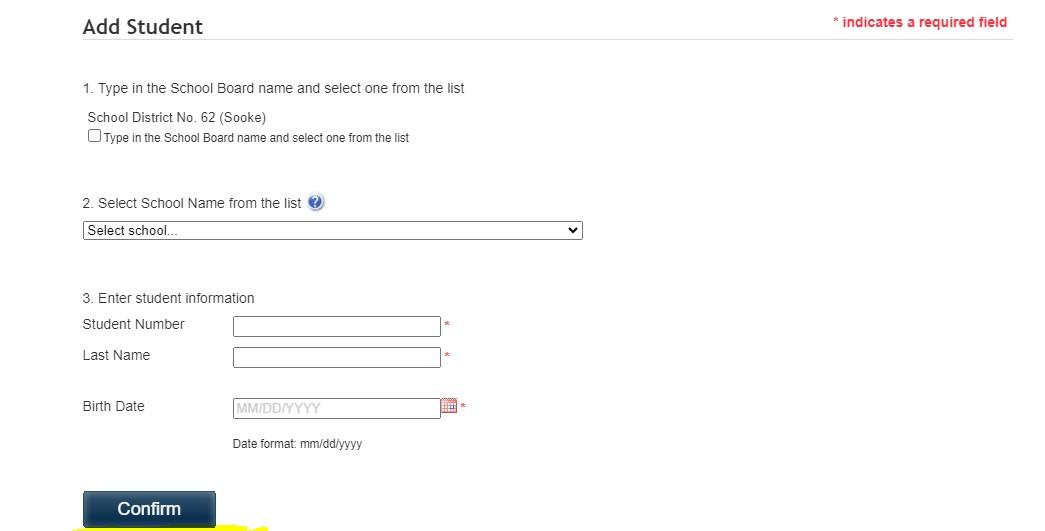
#3 Adding your student: Please add your student by using their PEN number. Once your student is added you will be able to see all permission slip and items for sale by the school.
Your student’s PEN can be found on their report card or within the MyEd Parent Portal
If you have followed these steps and still require assistance please contact the office via email kcoles@sd62.bc.ca